











- SD/HD/FHD/4K qualities
- 35,000+ live channels
- 130,000+ VOD
- Access from 3 devices at once
- Channel icons
- TV guide (EPG)
ORBIT IPTV
Pay less.
Get more.
One family. Three screens. Enjoy TV, movies and series together — on your television, tablet and phone.
€35for 12 months
3 simultaneous connections included
24-hour free trialActivation after confirmed payment

TV · TABLET · PHONEThree screens. One Orbit.
35,000+Live channels
130,000+Movies & series
3Simultaneous connections
24HFree trial
A WORLD OF ENTERTAINMENTOne place.
One place.
Endless possibilities.
Live television, sports, news, documentaries and family entertainment from around the world — on the devices you already use.
01 / LIVE TV
Your favorite television.
Explore the OrbitTV channel directory and find your favorite countries and categories.
Browse channels02 / SPORTSEvery match. Every moment.
Arena Sport · Sport Klub · beIN Sports · Sky Sports · Eurosport · ESPN
Explore all channels03 / MOVIES & SERIESMake it a movie night.
Discover stories for every mood, from big-screen adventures to your next series marathon.
Browse catalogLIVE TV, ALL TOGETHER
Browse channelsYour favorite channels. Always in the picture.
YOUR HOME CINEMA
Lights down. Movie on.







SERIES TO EXPLORE
One more episode.




ANIMATION & FAMILY
Family favorites








OrbitTV subscriptions
Choose your plan.
Every plan includes three simultaneous connections and access to our entertainment catalog.
Current offer: all IPTV lists include 3 simultaneous connections.
- SD/HD/FHD/4K qualities
- 35,000+ live channels
- 130,000+ VOD
- Access from 3 devices at once
- Channel icons
- TV guide (EPG)
- Active customer support
- SD/HD/FHD/4K qualities
- 35,000+ live channels
- 130,000+ VOD
- Access from 3 devices at once
- Channel icons
- TV guide (EPG)
- SD/HD/FHD/4K qualities
- 35,000+ live channels
- 130,000+ VOD
- Access from 3 devices at once
- Channel icons
- TV guide (EPG)
- 3 simultaneous connections
- SD/HD/FHD/4K qualities
- 35,000+ live channels
- 130,000+ VOD
- Channel icons and TV guide (EPG)
- Active customer support
MADE FOR YOUR EVERYDAYYour favorite television.
Your favorite television.
On every screen.
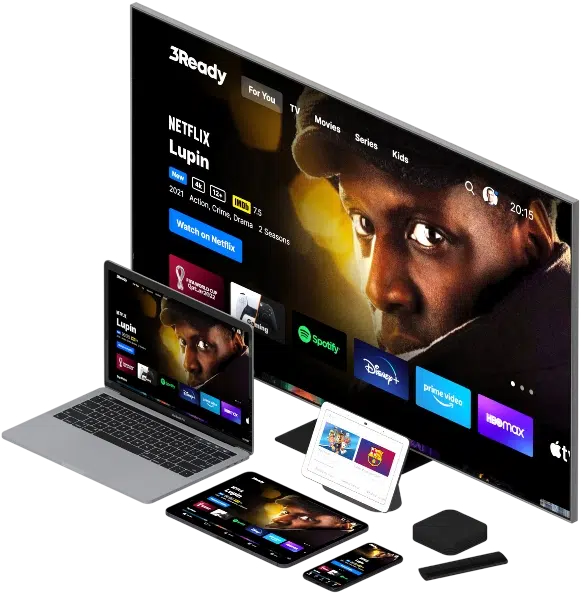
Smart TV, Android, Fire TV, iPhone, tablets and computers. Find your player and follow our step-by-step installation guides.
For resellers
OrbitTV Reseller Program
Buy credits and create subscriptions for your customers.
10 Credits
€150Become a reseller20 Credits
€250Become a reseller50 Credits
€500Become a reseller100 Credits
€950Become a resellerReseller calculator
Plan your subscriptions
Choose a credit package and subscription duration.
10Subscriptions available
Using all credits for the selected duration.
Credit prices
| Credits | Price |
|---|---|
| 10 credits | €150 EUR |
| 20 credits | €250 EUR |
| 50 credits | €500 EUR |
| 100 credits | €950 EUR |
Subscription credit cost
| IPTV subscription duration | Credit cost |
|---|---|
| 24 Hour — free trial | 0 credit |
| 1 Month | 0.1 credit |
| 3 Month | 0.25 credit |
| 6 Month | 0.5 credit |
| 1 Year | 1 credit |
ORBIT IPTVChannel List
Orbit IPTV
Channel List
- A wide selection of television channels for your entertainment needs.
- Search by channel name, category or country.
- Select a country or region to browse its channels.
Choose Live channels, Movies or Series, then select a country or region on the left.
53.493live channels
195.964movies / VOD entries
1.154.563series / episode entries
81 countries, regions and language groups · 1.373 content categories
Countries / regions
Live channels
Select a country or region on the left.
Any questions?
We are here to help with subscriptions, channels and setup.
ORBIT IPTVPlayer Downloads
ORBIT COLLECTION APPS FOR EVERY SCREEN
Press play.
Make it ORBIT.
Your next screen starts here. Get an ORBIT player, copy your Downloader code and follow the setup guide.
01 / ORBIT Xtream Players
START WITH ORBIT
WINDOWSv0.2.0
PC
ORBIT Xtream Player
Windows 10 & Windows 11
Install the player on your PC and sign in with your ORBIT username and password.
Download for WindowsEXE · 24.3 MB
Run the setup file. The installer adds a desktop shortcut.
ANDROID / FIRE TVPRO v1.0.1
TV + MOBILE
ORBIT Xtream Player PRO
Phone · Tablet · Android TV · Fire Stick
The ORBIT player for your Android devices, TV Box and Amazon Fire TV.
Download Android APKAPK · 91.3 MB
Downloader code5370400
On Fire TV, enter this code in the Downloader app.
macOSPRO v1.0.0
MAC
ORBIT Xtream Player PRO
macOS 12+ · Intel & Apple Silicon
Download the Mac player, open the DMG and drag the app to Applications.
Download for macOSDMG · 39.4 MB
This version is unsigned. See the installation guide if macOS blocks the app.
THE ORBIT FAMILY
Made for your TV.
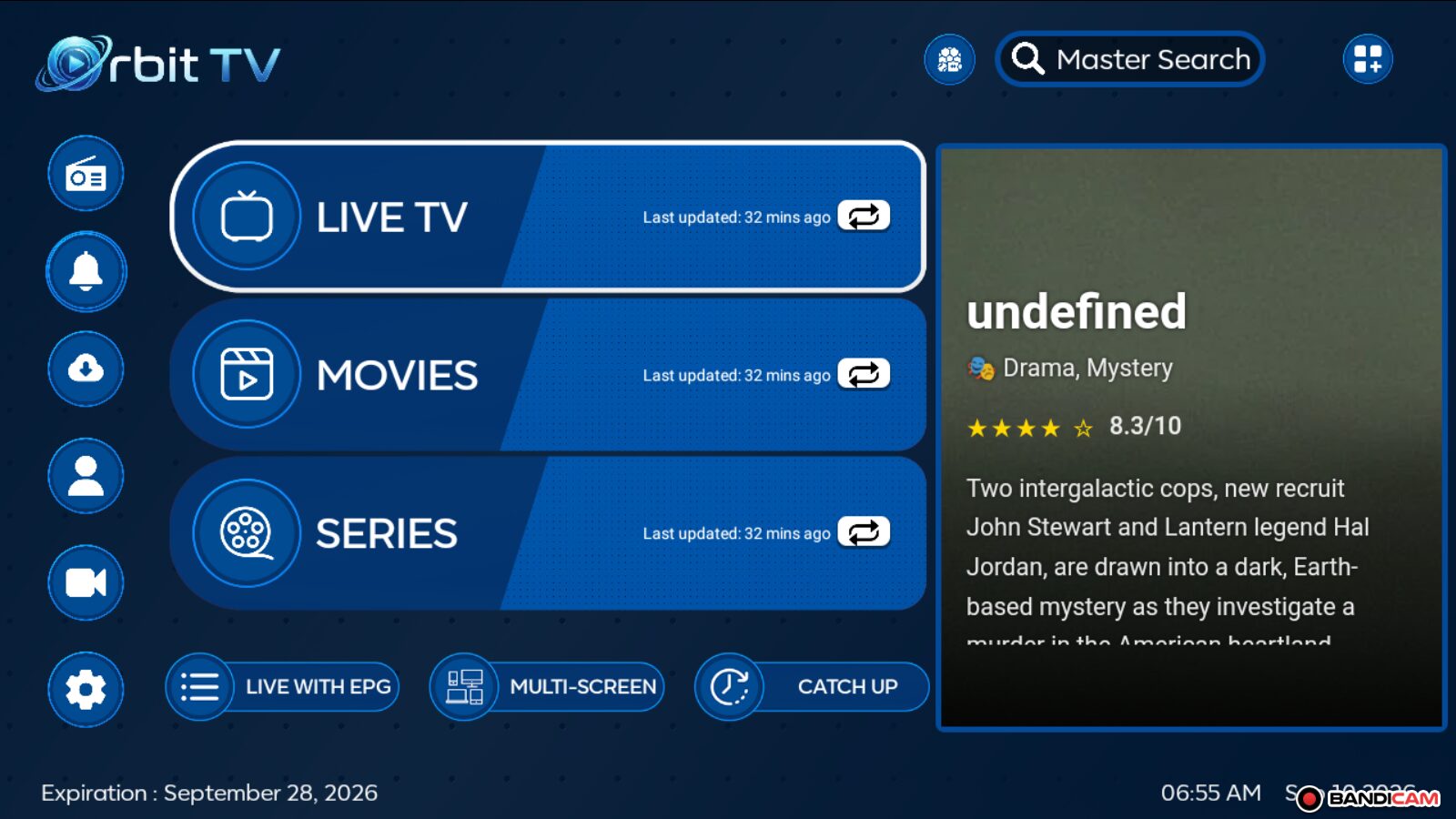
ORBIT PLAYERDownload APKInstallation guide →
Orbit TV
Android · Android TV · TV Box · Fire TV
Downloader code8964963
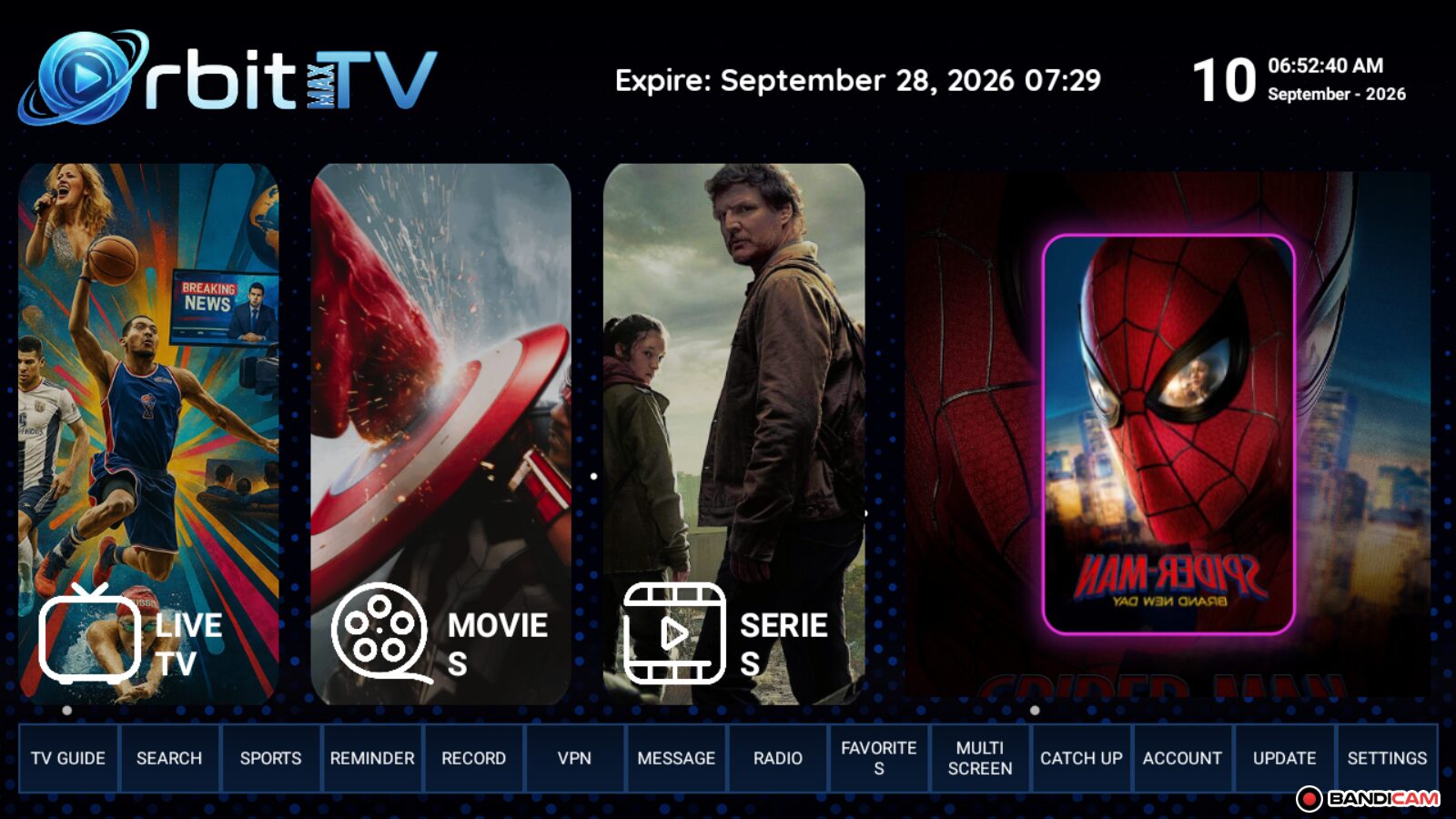
ORBIT PLAYERDownload APKInstallation guide →
Orbit TV Max
Android · Android TV · TV Box · Fire TV
Downloader code4373639
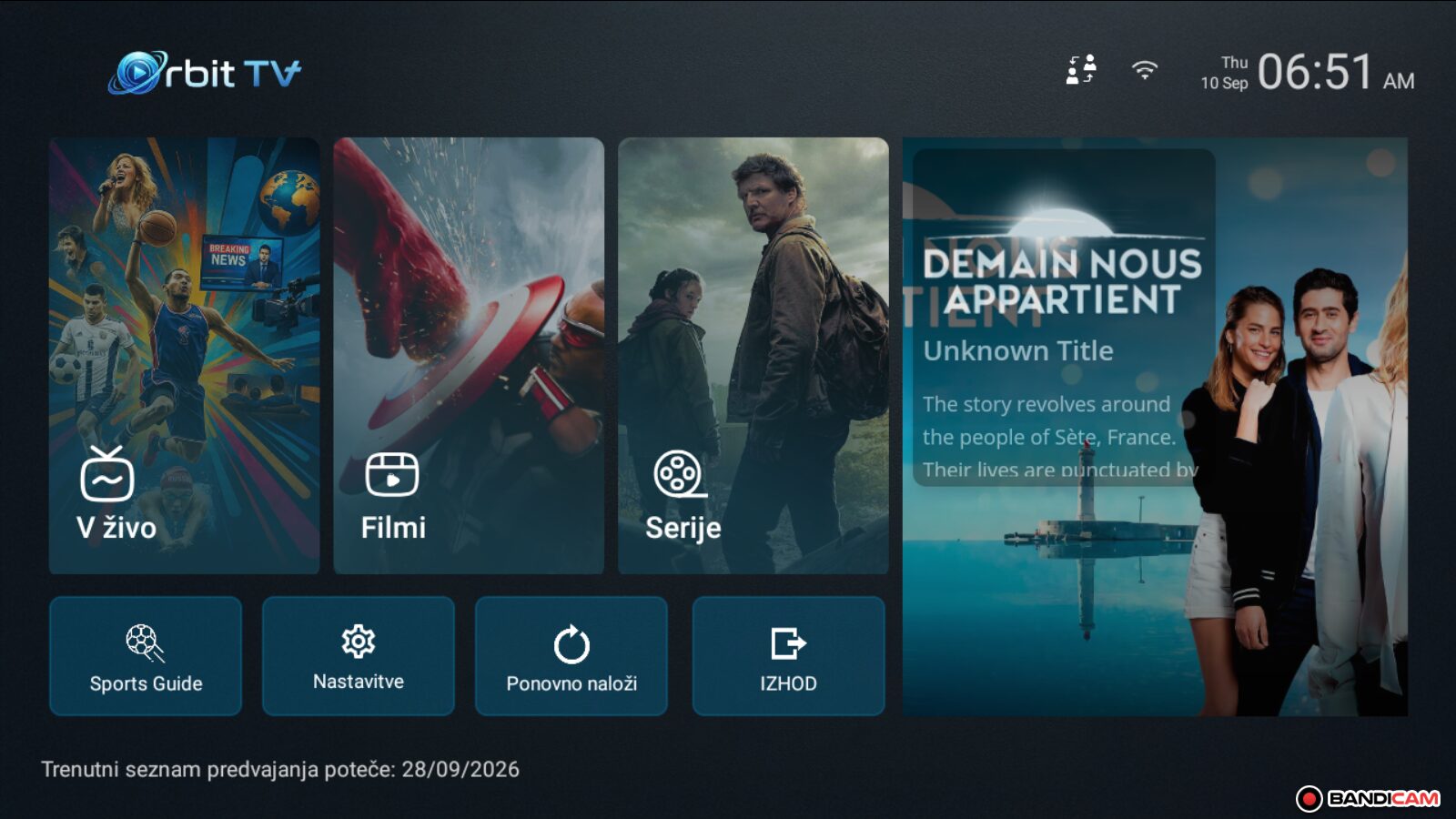
ORBIT PLAYERDownload APKInstallation guide →
Orbit TV Plus
Android · Android TV · TV Box · Fire TV
Downloader code4616143
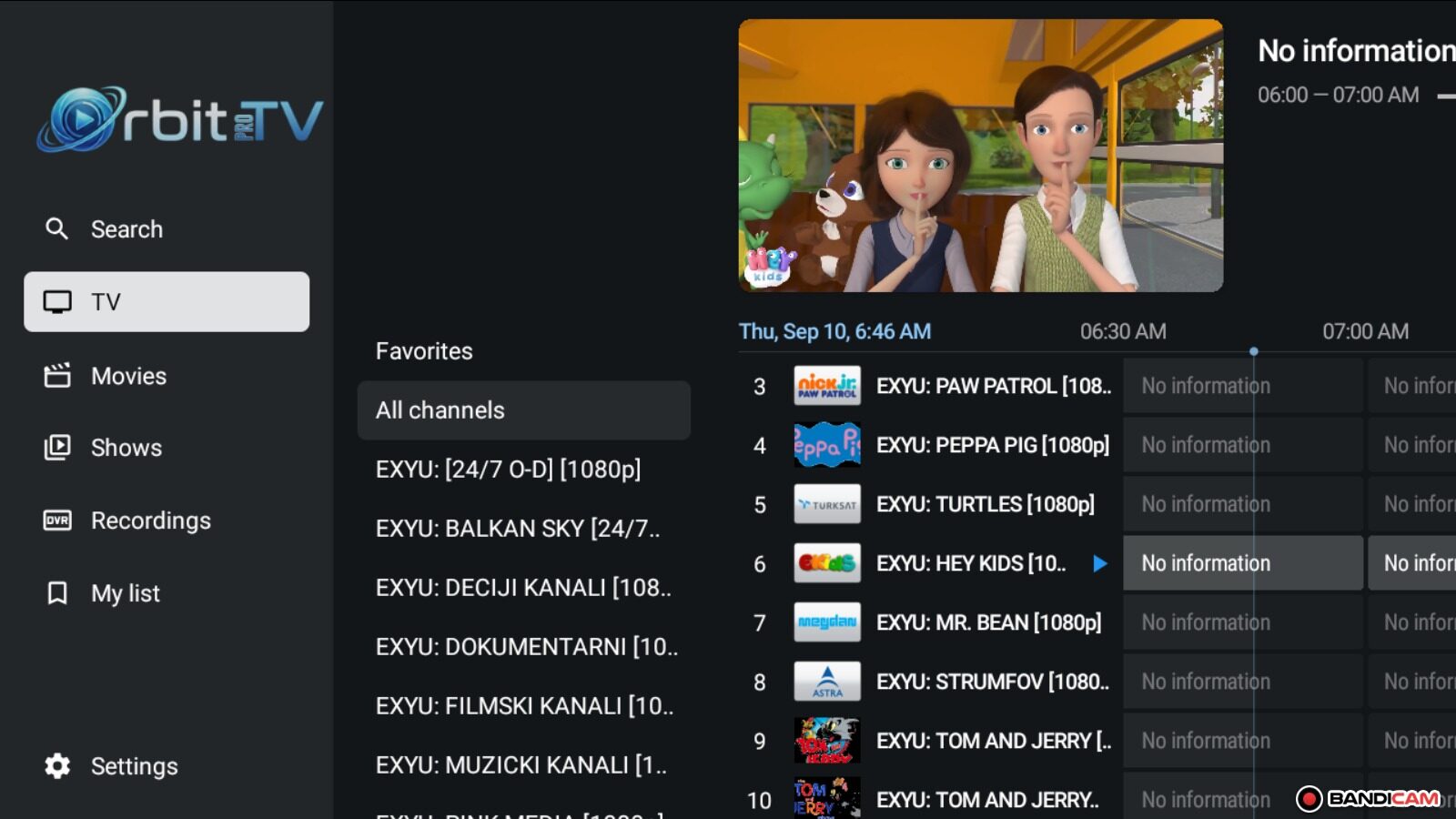
ORBIT PLAYERDownload APKInstallation guide →
Orbit TV Pro
Android · Android TV · TV Box · Fire TV
Downloader code8466222
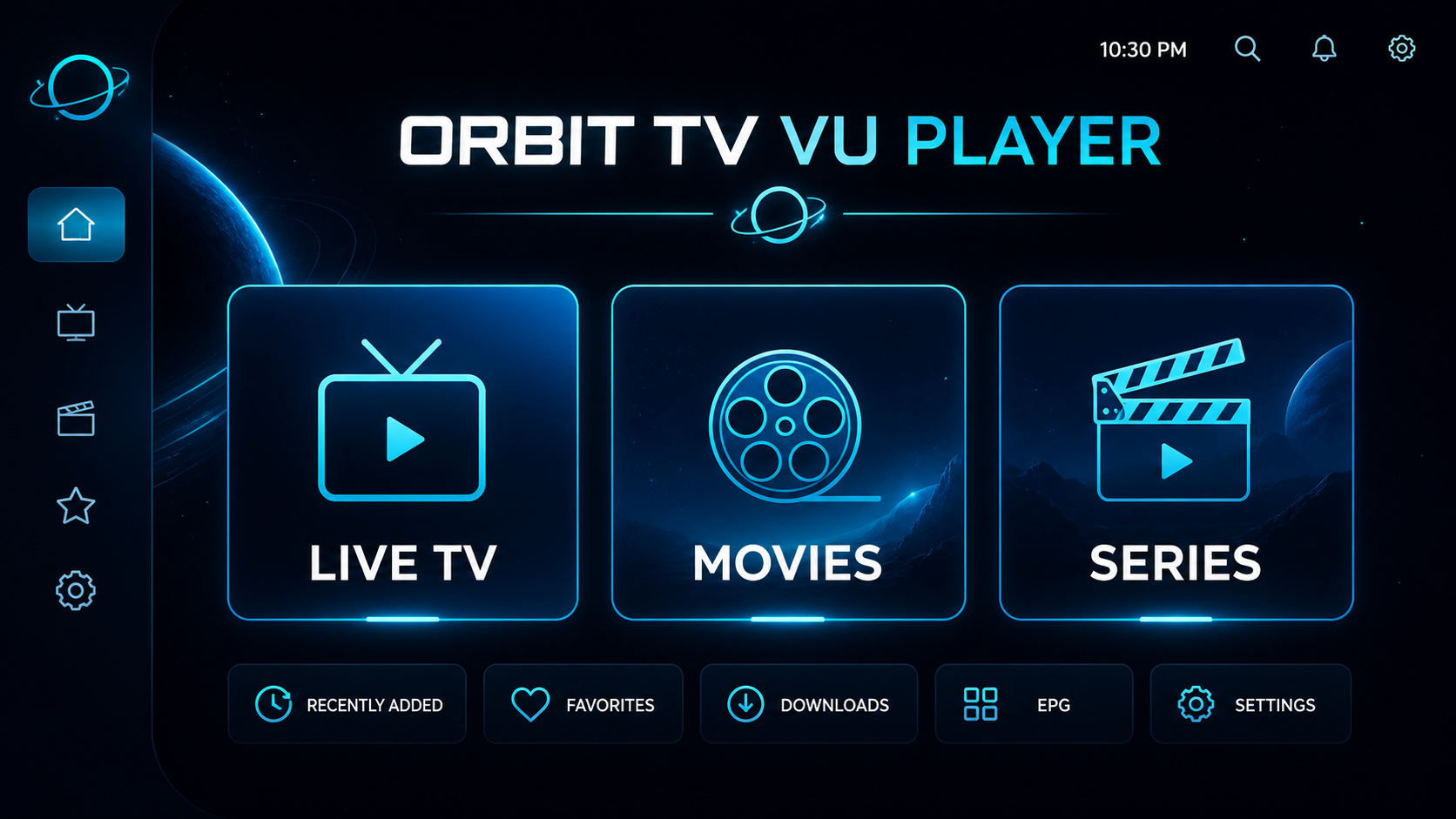
ORBIT PLAYERDownload APKInstallation guide →
ORBIT TV VU PLAYER
Android · Android TV · TV Box · Fire TV
Downloader code4497123
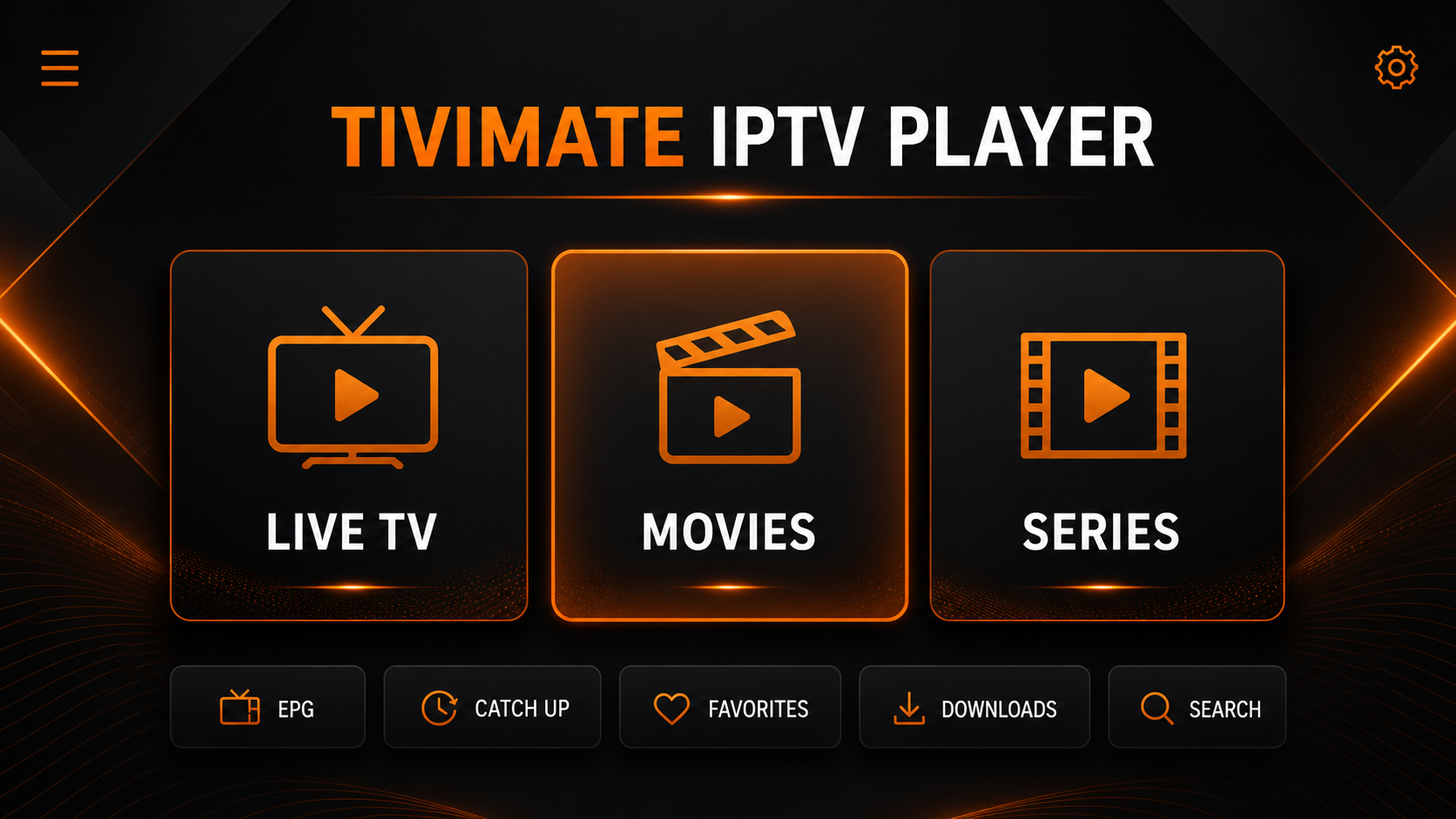
ORBIT PLAYERDownload APKInstallation guide →
TiviMate 5.1.7 ORBIT TV
Android · Android TV · TV Box · Fire TV
Downloader code3074607
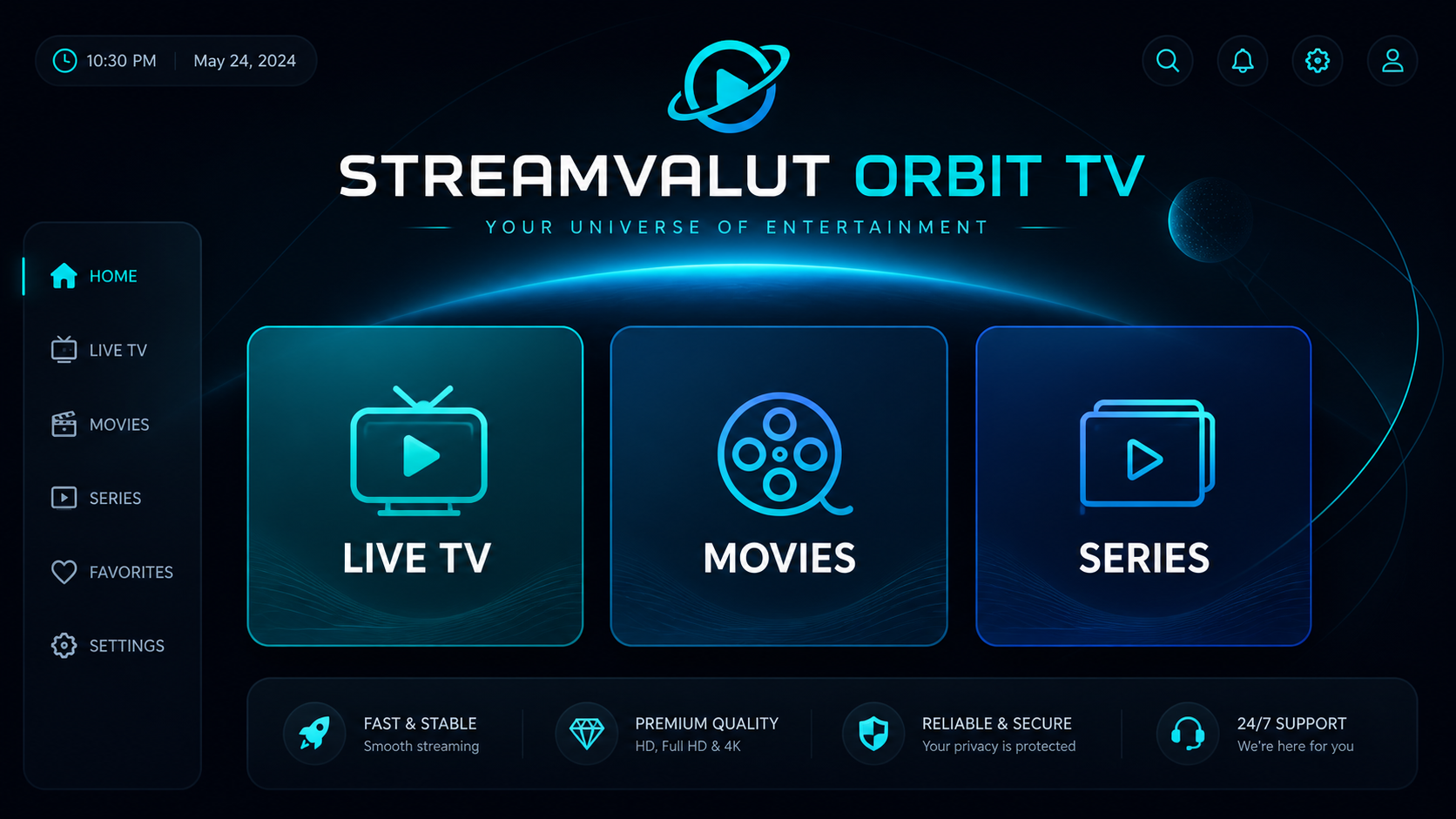
ORBIT PLAYERDownload APKInstallation guide →
Streamvalut Orbit TV
Android · Android TV · TV Box · Fire TV
Downloader code6835686
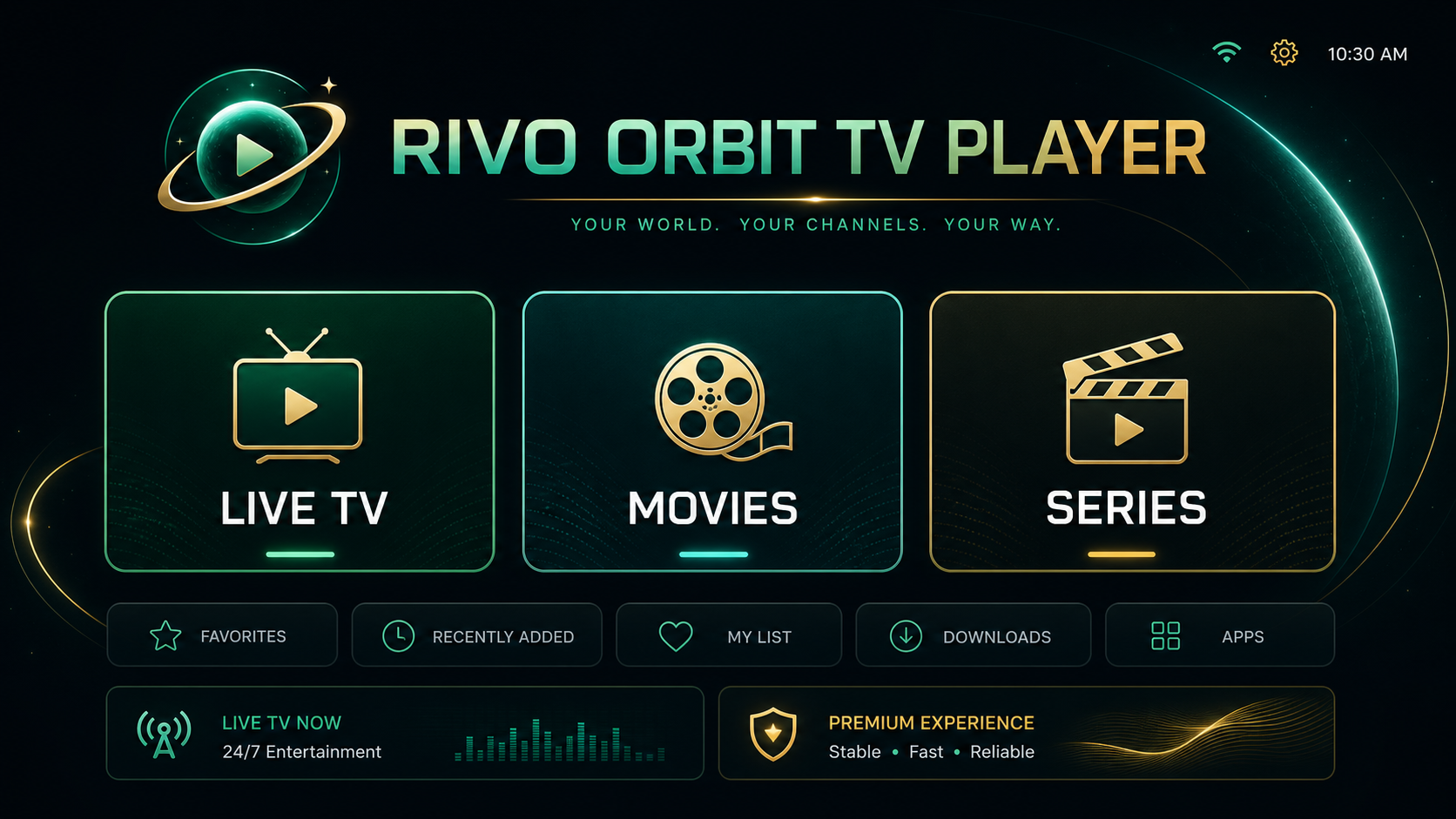
ORBIT PLAYERDownload APKInstallation guide →
RIVO ORBIT TV PLAYER
Android · Android TV · TV Box · Fire TV
Downloader code8824834
OTHER PLAYERS
IPTV Smarters Pro
IPTV Smarters Pro
Installation guides for Android, Fire TV, Smart TV, Windows, macOS, Apple TV and iPhone.
PREMIUM PLAYERS
Players for every platform
These players require activation. Choose the link for your device; Android APK files are for Android and Fire TV, not Samsung Tizen, LG webOS, Vidaa or Roku.

IBO XPlayer
- ANDROID APK · v8828.0 Downloader code7947185
- GOOGLE PLAY
- LG & SAMSUNG TV
- ROKU

CR Player
- ANDROID APK · v10028.0 Downloader code2995877
- GOOGLE PLAY
- LG & SAMSUNG TV
- ROKU






IBO Player
- ANDROID APK · v229.8 Downloader code1171959
- IPHONE / IPAD
- LG & SAMSUNG TV
- OLD SAMSUNG

IBO Player Pro
- ANDROID APK · v10028.0 Downloader code923441
- IPHONE / IPAD
- LG & SAMSUNG TV
- VIDAA OS

IBO Pro Player
- ANDROID APK · v4428.0 Downloader code6402995
- GOOGLE PLAY
- LG & SAMSUNG TV

BOB Player
- ANDROID APK · v1202.0 Downloader code815778
- IPHONE / IPAD
- LG & SAMSUNG TV
- ROKU
- VIDAA OS
- OLD SAMSUNG


IBOSS IPTV
- ANDROID APK · v801.3 Downloader code967528
- GOOGLE PLAY
- LG & SAMSUNG TV













ORBIT IPTVInstallation Guide
ORBIT IPTV
Installation
Guide.
Complete, simple installation and login instructions for every supported device.
QUICK SETUP4 steps
- 01Download the appUse a direct link or Downloader code.
- 02Open the playerChoose Xtream Codes / Username & Password.
- 03Enter your detailsUsername, password and server URL.
- 04Start watchingWait for the playlist to load and choose content.
ORBIT XTREAM PLAYERS
Download ORBIT Xtream Player
Direktni paketi za Windows, Android i Android TV. Server je već podešen — unesite samo korisničko ime i lozinku.
WIN
ORBIT Xtream Player
Stable version for Windows 10 and Windows 11.
VERSION 0.2.0 Download Windows Setup Run Setup.exe — the player and Desktop shortcut install automatically.APK
ORBIT Xtream Player PRO
PRO version for phone, tablet, Android TV, TV Box and Fire Stick.
PRO 1.0.1DOWNLOADER CODE5370400
Download Android APK
Allow installation from unknown sources, then open the APK.
MAC
ORBIT Xtream Player PRO
For macOS 12 or newer, Intel and Apple Silicon. Installation: open the DMG and drag the player to Applications.
VERSION 1.0.0 Download for macOS Nepotpisana verzija: ako je macOS blokira, izaberite System Settings → Privacy & Security → Open Anyway.DEVICE GUIDES
Choose the device you use
Each guide includes the recommended app, installation and login method.
Installation steps
- Preuzmite APK putem direktnog linka ili unesite Downloader kod prikazan uz player.
- Dozvolite instalaciju iz ovog izvora u postavkama uređaja.
- Otvorite preuzetu datoteku i izaberite Install.
- Pokrenite player i prijavite se podacima dobijenim od ORBIT podrške.
Installation steps
- Preuzmite APK putem direktnog linka ili unesite Downloader kod prikazan uz player.
- Dozvolite instalaciju iz ovog izvora u postavkama uređaja.
- Otvorite preuzetu datoteku i izaberite Install.
- Pokrenite player i prijavite se podacima dobijenim od ORBIT podrške.
Installation steps
- Preuzmite APK putem direktnog linka ili unesite Downloader kod prikazan uz player.
- Dozvolite instalaciju iz ovog izvora u postavkama uređaja.
- Otvorite preuzetu datoteku i izaberite Install.
- Pokrenite player i prijavite se podacima dobijenim od ORBIT podrške.
Installation steps
- Preuzmite APK putem direktnog linka ili unesite Downloader kod prikazan uz player.
- Dozvolite instalaciju iz ovog izvora u postavkama uređaja.
- Otvorite preuzetu datoteku i izaberite Install.
- Pokrenite player i prijavite se podacima dobijenim od ORBIT podrške.
Installation steps
- Open the Appstore on Fire TV and install Downloader.
- Allow unknown app installation for Downloader in Settings.
- Enter code 3074607 in Downloader and select Go.
- Download TiviMate 5.1.7 ORBIT TV and select Install.
- Open TiviMate and select Add Playlist.
- Choose Xtream Codes and enter your username, password and server URL.
Installation steps
- Install and open the Downloader app.
- Allow unknown app installation for Downloader.
- Enter Downloader code 3074607 and select Go.
- Download TiviMate 5.1.7 ORBIT TV and select Install.
- Open the app and select Add Playlist → Xtream Codes.
- Enter the username, password and server URL provided by support.
Installation steps
- Install and open the Downloader app.
- Allow unknown app installation for Downloader.
- Enter Downloader code 6835686 and select Go.
- Download the APK and select Install.
- Open Streamvalut Orbit TV.
- Enter the details provided by ORBIT support.
Installation steps
- Install and open the Downloader app.
- Allow unknown app installation for Downloader.
- Enter Downloader code 4497123 and select Go.
- Download the APK and select Install.
- Otvorite ORBIT TV VU PLAYER.
- Enter the details provided by ORBIT support.
Installation steps
- Install and open the Downloader app.
- Allow unknown app installation for Downloader.
- Enter Downloader code 8824834 and select Go.
- Download the APK and select Install.
- Otvorite RIVO ORBIT TV PLAYER.
- Enter the details provided by ORBIT support.
LOGIN DETAILS
What do you enter in the player?
You receive these details from ORBIT support after activating a trial or package.
01PLAYLIST NAMEORBIT TV
02USERNAMEYour username
03PASSWORDYour password
04SERVER URLURL provided by support
Never publish your username and password. Enter them only in a trusted player.
TROUBLESHOOTING
Quick fixes for common problems
The APK will not install
Allow installation from unknown sources for Downloader in device settings, then try again.
Login failed
Check upper and lower case, remove spaces and confirm the server URL is exact.
Playback is buffering
Restart your router and device, use Ethernet or 5 GHz Wi‑Fi and test another player.
Connection is blocked
Try a different internet connection. If your ISP blocks it, enable a trusted VPN and reopen the player.
A second device does not work
Your package supports 3 simultaneous connections. In TiviMate choose another Device # for every additional device.
Still need help?
Send the device name and a photo of the error to ORBIT support. WhatsApp →
ORBIT SUPPORT
Not sure which player to choose?
Tell us which device you use. We will help from installation to your first channel.
ORBIT IPTVVPN Guide
Orbit TV Plus • IPTV support
IPTV VPN guide
If you have connection problems or your internet provider blocks access to services, a VPN can often help. Choose your device and follow the simple steps below.

Choose your device
The recommended VPN in this guide is Proton VPN. Installation differs slightly by device.
📱 Android phone / tablet
Install Proton VPN, sign in and connect to an available server before reopening your IPTV app.
- Install Proton VPN from Google Play.
- Open the app and sign in or create a Proton account.
- Tap Quick Connect or choose a server.
- Approve the VPN request the first time you connect.
- When connected, reopen your IPTV app.
🍎 iPhone / iPad
- Install Proton VPN from the App Store.
- Open the app and sign in or create an account.
- Choose Quick Connect.
- When iOS asks for permission to add a VPN configuration, tap Allow.
- After connecting, reopen your IPTV app.
📺 Android TV / TV Box
- Open Google Play Store on your TV device.
- Search for Proton VPN and install it.
- Open the app; a sign-in code may appear on screen.
- On a phone or computer open protonvpn.com/tv, sign in and enter the TV code.
- On the TV choose a server or Quick Connect.
- Once connected, reopen your IPTV app.
🔥 Fire TV / Firestick
- Open the Appstore on your Fire TV / Firestick.
- Find and install Proton VPN.
- Open the app and follow the sign-in instructions.
- If a code appears, open protonvpn.com/tv on another device and enter it.
- Connect to a VPN server and reopen your IPTV app.
💻 Windows computer
- Download Proton VPN from the official Windows page.
- Run the installer and finish setup.
- Open Proton VPN and sign in.
- Click Quick Connect or choose a server manually.
- After connecting, reopen your IPTV app.
If you still have connection problems, contact us on Telegram or WhatsApp.
📲 Contact us today!
For help with setup or connection issues, contact us directly.
Orbit IPTV
Subscription information
Review your plan, test the service and contact Orbit support before ordering.
Refunds are available within 15 days.
Activation is immediate after payment is confirmed.
Contact supportFree trial
Request a free 24-hour Orbit IPTV trial through WhatsApp or Telegram.
Start your free trialSimultaneous connections
Every Orbit IPTV plan includes 3 simultaneous connections.
Picture quality varies by channel and content. SD, HD, FHD and 4K are available where supported.
Player DownloadsChoose your plan.
Choose a plan and contact Orbit support on WhatsApp or Telegram to confirm payment and activation details.
Explore subscriptionsFrequently Asked Questions
How can we help?
How can I check the channel list?
Open the Channel List, find a country or category, and select it to view the available channels.
How do I get installation instructions?
Open the OrbitTV Installation Guide or contact us for help.
How can I become a reseller?
Choose a credit package and contact us through Telegram or WhatsApp.
How can I get a free trial?
Request a free 24-hour Orbit IPTV trial through WhatsApp or Telegram.
What internet connection is recommended?
A stable broadband connection is recommended; higher quality streams require more bandwidth.
How many devices can I use at once?
Every Orbit IPTV plan includes 3 simultaneous connections.
Is every channel available in 4K?
Picture quality varies by channel and content. SD, HD, FHD and 4K are available where supported.
How do I order or activate a subscription?
Choose a plan and contact Orbit support on WhatsApp or Telegram to confirm payment and activation details.
Does the chat assistant activate my account?
The assistant answers common questions. Orbit support handles payments, activation and account-specific requests.
When will my subscription be activated?
Activation is immediate after payment is confirmed.
Contact us today!
For offers, activation, reseller packages or technical help, contact us directly.